How this image to SVG converter works
The converter traces your picture: it finds the edges between dark and light areas and rebuilds them as vector paths, so the result is made of curves instead of pixels. In our test a 800 × 800 px logo came out as 24 paths and a 5.1 KB SVG in about 110 ms. Tracing works best on simple, high-contrast artwork. A photo does not turn into a detailed vector drawing; for multi-color artwork use the color mode, and for an STL from the result see SVG to STL.
What we tested on 2 November 2026
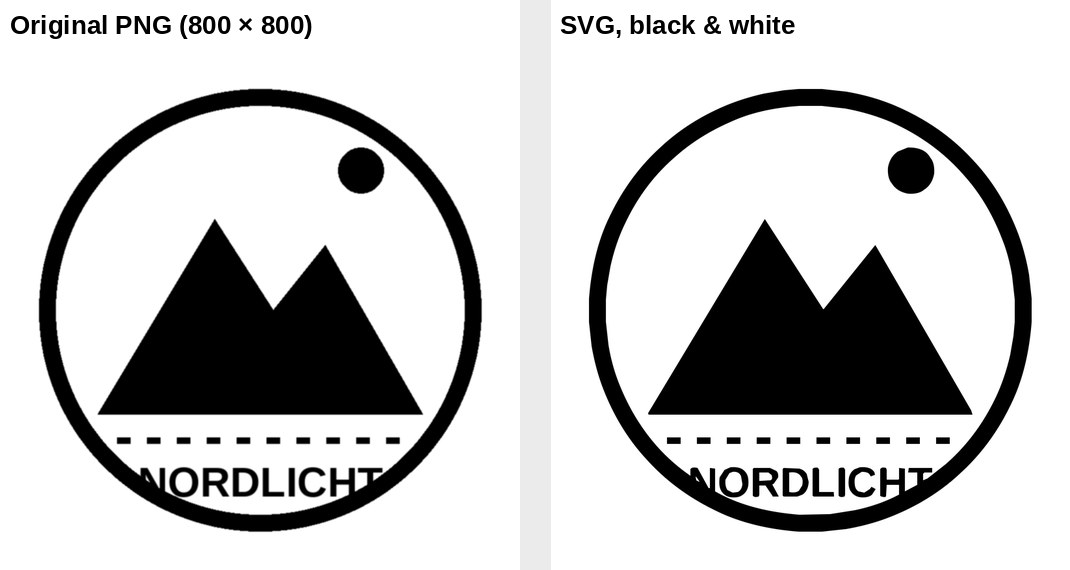
We drew an 800 × 800 px PNG logo ourselves (a ring, two mountains, a sun and the word NORDLICHT, slightly softened like a real export) and converted it here with black and white on, the automatic threshold and default smoothing, in desktop Chromium.
Result: 24 paths, a 5.1 KB SVG (the PNG is 34.6 KB), traced in 109 ms. The ring, the mountains, the sun, the dashes and the lettering all came through as solid shapes with sharp corners, and the pixel blur at the edges is gone. Curves are approximated by short segments, so small round shapes can look slightly faceted when you zoom in far. Our drawing lets the word NORDLICHT run into the ring, and the trace keeps that exactly as drawn. Hairlines thinner than about 3 px were not in this test, so check very thin strokes in your own artwork. We did not open the SVG in Inkscape, Illustrator, Cricut Design Space or a laser program, and we did not cut or engrave it.
Why the SVG stays sharp at any size
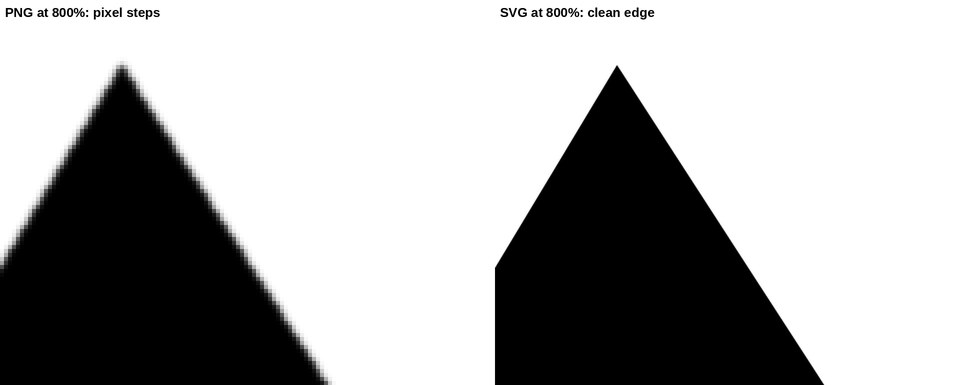
A PNG is a grid of pixels, so enlarging it shows steps and blur at every edge. An SVG stores the outline as a path, so the edge is recalculated at the size you view it. The close-up shows the top of the mountain at 800 %: soft pixel steps on the left, a clean straight edge on the right.
Which images convert well
- Logos, icons, monograms and silhouettes with solid shapes.
- Handwriting and signatures on a plain background, scanned or photographed in good light.
- Line drawings and stencils with strokes thicker than a few pixels.
- Not suited: photographs, soft shadows, gradients and tiny text. Tracing turns each of those into blotchy shapes. If the picture has several flat colors, switch to color mode.
Use the SVG for a laser, a cutter or a 3D print
Most laser programs and cutting machines open an SVG directly; check the size in your own software before you cut, because the page does not know your material. To make a keychain, sign or stamp, open the result on the SVG to STL converter (the button under the preview does that) and set the size and height there. German speakers: PNG in SVG umwandeln.