What color mode does
Color mode reduces the picture to a fixed number of flat colors and traces each color as its own layer of paths. In our test, a 900 × 600 flat illustration at 8 colors became 62 paths and a 7.4 KB SVG; at 4 colors it became 14 paths and 3.4 KB. This is the right mode for artwork made of flat areas of color. For a black and white logo or line art use the black and white converter; for a photo, expect a posterized look rather than a faithful copy.
What we tested on 2 November 2026
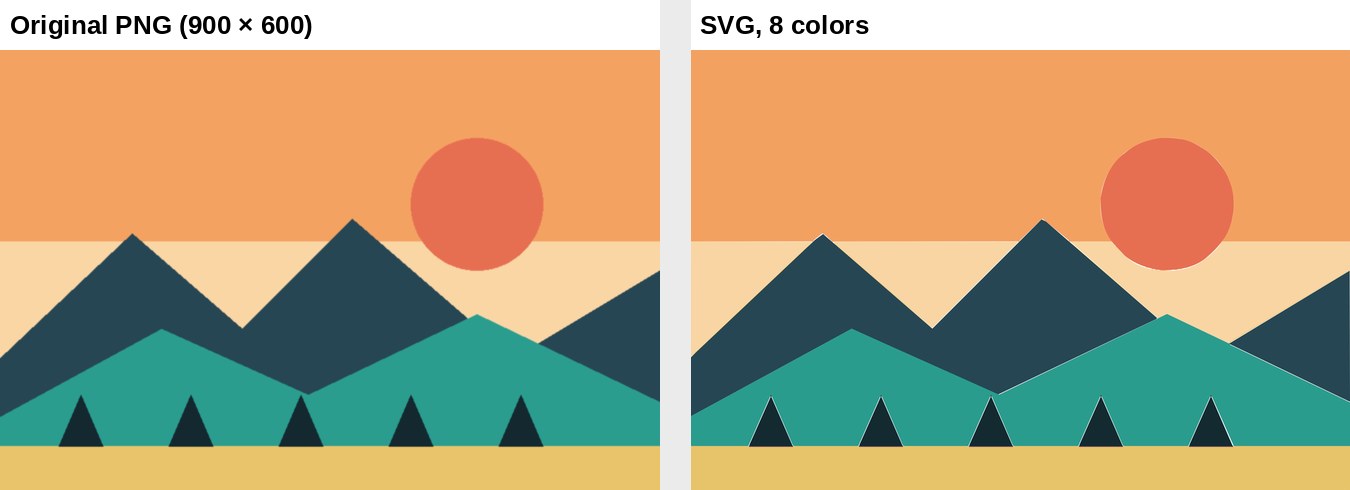
We drew a 900 × 600 px illustration ourselves (a sun, two mountain ridges, five trees and a beach strip in six flat colors, slightly softened like a real export) and converted it with color mode at 8 colors, default smoothing, in desktop Chromium.
Result: 62 paths, a 7.4 KB SVG (the PNG is 13.5 KB), 145 ms. The shapes and colors match the original closely. Two flaws are visible when you zoom in: the sun's edge is slightly lumpy, and thin light seams appear between some neighboring shapes, for example around the tree bases. Raising smoothing helps the first; the seams are a known side effect of tracing each color separately, so check them before you cut or print. We did not open this SVG in an editor or a cutting machine.
4 colors or 8 colors?
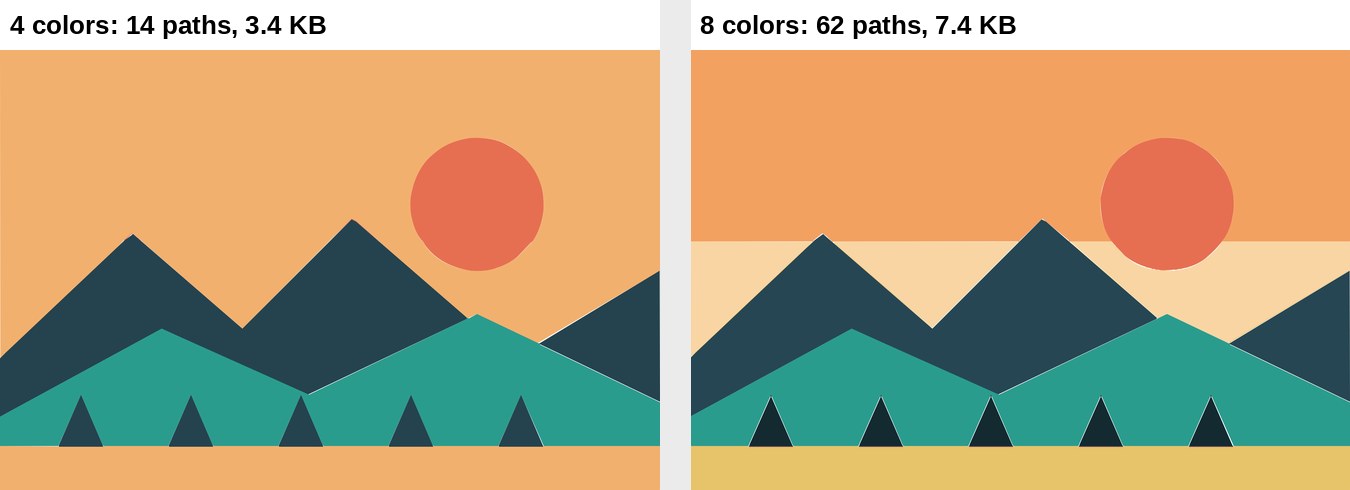
The same illustration at 4 colors merges the pale sky band and the beach strip into the orange, but it is 14 paths and 3.4 KB, which suits a one-off vinyl cut or a simple web graphic. At 8 colors every area is kept. Use the smallest number of colors that still looks right: each extra color adds paths, file size and, for a cutter, another layer to weed.
What converts badly
Photographs and gradients become bands of flat color, shadows turn into blobs, and fine textures disappear. Anti-aliased edges can leave a thin outline of an in-between color. If you need a logo with only one ink color, use the black and white mode instead: it gives fewer paths and cleaner edges.
After you have the SVG
Open it in a vector editor to merge or delete layers, or use it for a website where it scales without blur. For a 3D-printable relief from one color layer, see SVG to STL. Black and white version in German: PNG in SVG umwandeln.